ZCode Uploaded My Repository Snapshot. I Built a Local Tool to Check.
What my local ZCode records revealed, why it made me angry, and why I built an offline Python checker instead of asking everyone to use an AI agent.
Summary: My local ZCode records showed a successful upload of a blog repository snapshot whose manifest included source code and Git history. That crossed a privacy boundary I had not understood. I built Check My ZCode, an offline Python checker, so others can inspect their records without sending potentially sensitive files or keys to another cloud-backed AI agent.
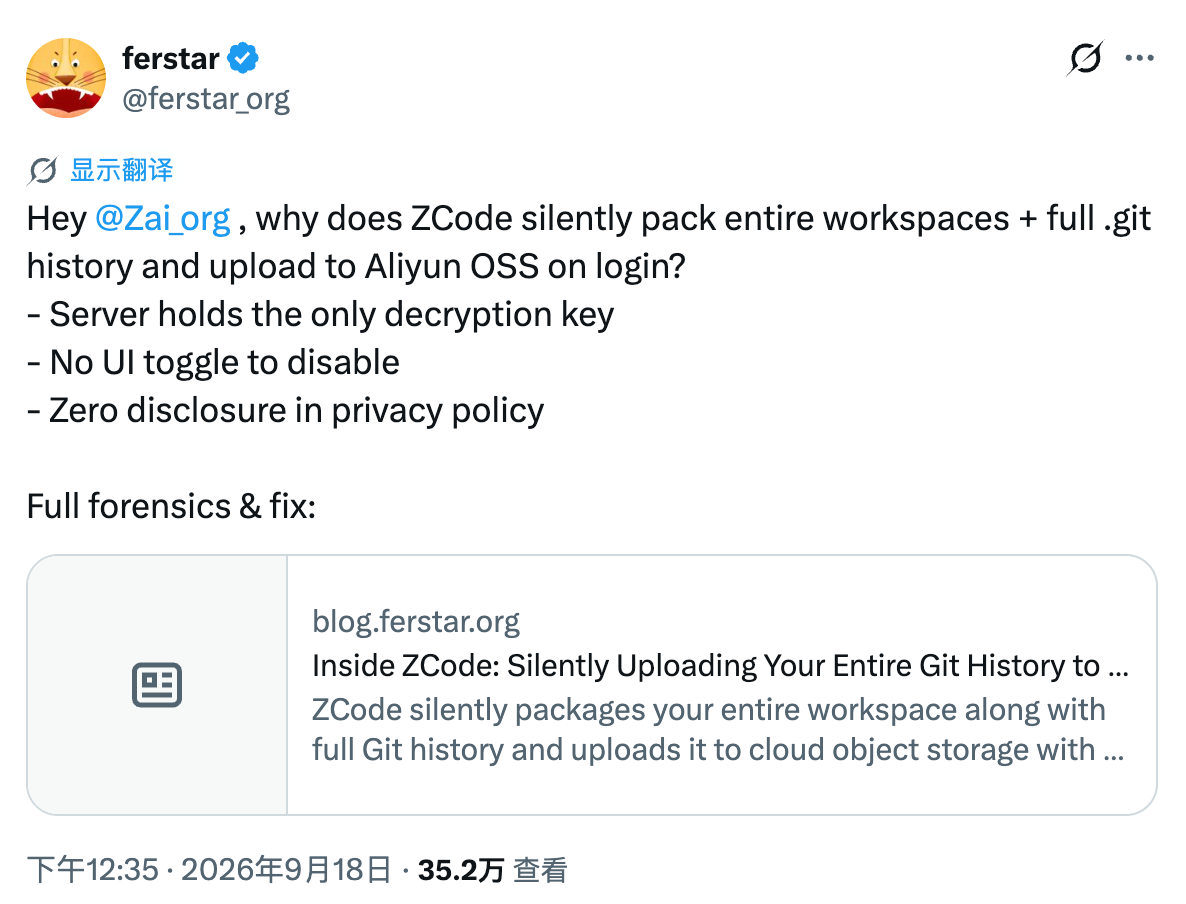
I read ferstar’s report, “Inside ZCode: Silently Uploading Your Entire Git History to the Cloud”, about ZCode uploading workspace snapshots in the background, including Git history. Then I checked my own machine.
The local records showed that my blog repository had been affected too: ZCode had recorded a successful snapshot upload, and the corresponding file manifest included source files, Git objects, and reflog data.
I was angry. Giving an AI coding tool access to a project should come with a clear understanding of what leaves the machine. I expect relevant code to be sent when I ask a cloud model to work on it. Finding repository history in a background snapshot was a much broader scope than I had understood.
That led me to build Check My ZCode: a small, read-only Python tool that inspects local snapshot records and produces an English report. It runs offline, without a model, an API key, or third-party packages.
What I actually found
The report that prompted my check described a much larger snapshot on someone else’s machine. Those numbers were not mine. My own investigation concerned ZCode 3.10.1 and one repository: this blog.
The retained manifest listed 369 files totaling about 768 KiB. Of those, 329 files, about 340 KiB, were inside .git—roughly 44% of the listed size. They included Git objects, reflog files, branch references, the Git configuration, and the index.
The state file also contained lastAcceptedManifestHash, matching the retained manifest. In the installed build examined during the investigation, the upload worker wrote this marker after an HTTP-success response and then cleaned up local upload artifacts.
That is why I describe this as a client-recorded successful upload, rather than merely a snapshot waiting to be sent. It is local evidence, not an independent receipt from cloud storage, and it does not establish what the server still retains or who may have accessed it.
There was no pending encrypted archive left on my machine. That detail matters: a small checkpoints directory, or the absence of a large encrypted file, does not mean nothing was uploaded.
The inspection did not find .env, obvious private-key filenames, or Git LFS entries in the retained manifest. It also did not establish that the historical contents were free of secrets. The latest encrypted-size record was only about 10.4 KiB, but incremental uploads mean that number cannot be treated as the total amount ever sent.
Both relevant settings were disabled when I checked. I could not establish their values at the time of upload, so I will not use their current state as proof of what happened then.
Why this made me angry
A repository contains more than the files visible in an editor. Its local history can include earlier versions of configuration, deleted content, unpublished work, and branch activity. A public website does not make every piece of its working repository public.
For me, the problem is the loss of an informed choice. Before a tool transfers that scope of data, I want it to explain what it collects, why it needs it, where it goes, and how I can disable the transfer.
My local evidence does not prove that credentials were stolen, that every ZCode user was affected in the same way, or that the behavior is unchanged in later versions. It does establish enough to make me uncomfortable with what happened to my repository.
I wanted a way for other users to inspect their own evidence without having to repeat the whole investigation.
Why a script instead of Codex or another agent?
I did use an agent during the initial investigation. It helped inspect the records and interpret the client implementation. But once the checks were understood, most of the recurring work was straightforward: read JSON, match manifests, count files, group sizes, and look for supported secret patterns.
None of that requires a language model.
More importantly, the material being examined may itself contain API keys, credentials, private code, or sensitive paths. If a cloud-backed agent reads that material and returns it through tool output, it may enter the model’s context. The exact exposure depends on the agent and its configuration, but I do not want users to need another data-sharing decision just to investigate the first one.
A local checker keeps the inspection on the user’s machine. It needs no model connection and sends no data over the network. Suspected secrets are reported by type and location; their values are not printed.
That gives this particular task a smaller privacy surface. The generated report still contains local paths and filenames, so it deserves a review before anyone shares it.
What the tool tells you
Check My ZCode generates a self-contained HTML report and opens it in your browser. It shows:
- Which repositories appear in retained snapshot records, and whether matching upload-acceptance markers exist.
- How much of each manifest consists of working files versus Git history and metadata.
- Whether the manifest lists sensitive filenames, such as
.envor common key files. - Where supported patterns suggest possible secrets in inspected contents.
- Which entries were checked, skipped, or unavailable.
The report uses no remote assets, analytics, or JavaScript. The checker does not modify ZCode, delete snapshots, or block future uploads.
It is also deliberately limited. Secret detection uses patterns and can miss real credentials or flag harmless examples. Packed Git history, LFS contents, and files over 8 MiB are not content-scanned. A secret found in a current working file is not automatically proof that the same value existed when the snapshot was captured.
The upload-marker interpretation comes from the inspected 3.10.1 implementation; the tool does not verify that every version behaves identically. Missing local records cannot prove that no upload ever happened.
Run it locally
Download or clone the GitHub repository. You need Python 3.8 or newer.
git clone https://github.com/XavierProduct/check-my-zcode.git
cd check-my-zcode
On macOS:
python3 zcode_audit.pyOn Windows:
py -3 zcode_audit.pyThe script saves zcode-audit-report.html beside itself and opens the report in your default browser. It has been tested on macOS and includes checks for Windows-style paths; it has not yet been tested on a real Windows machine. The repository includes English and Chinese documentation.
I built this because I wanted a concrete answer about my own machine, and a simple way for others to get theirs. Checking what an AI tool may have uploaded should not require sending more private material to another AI service.